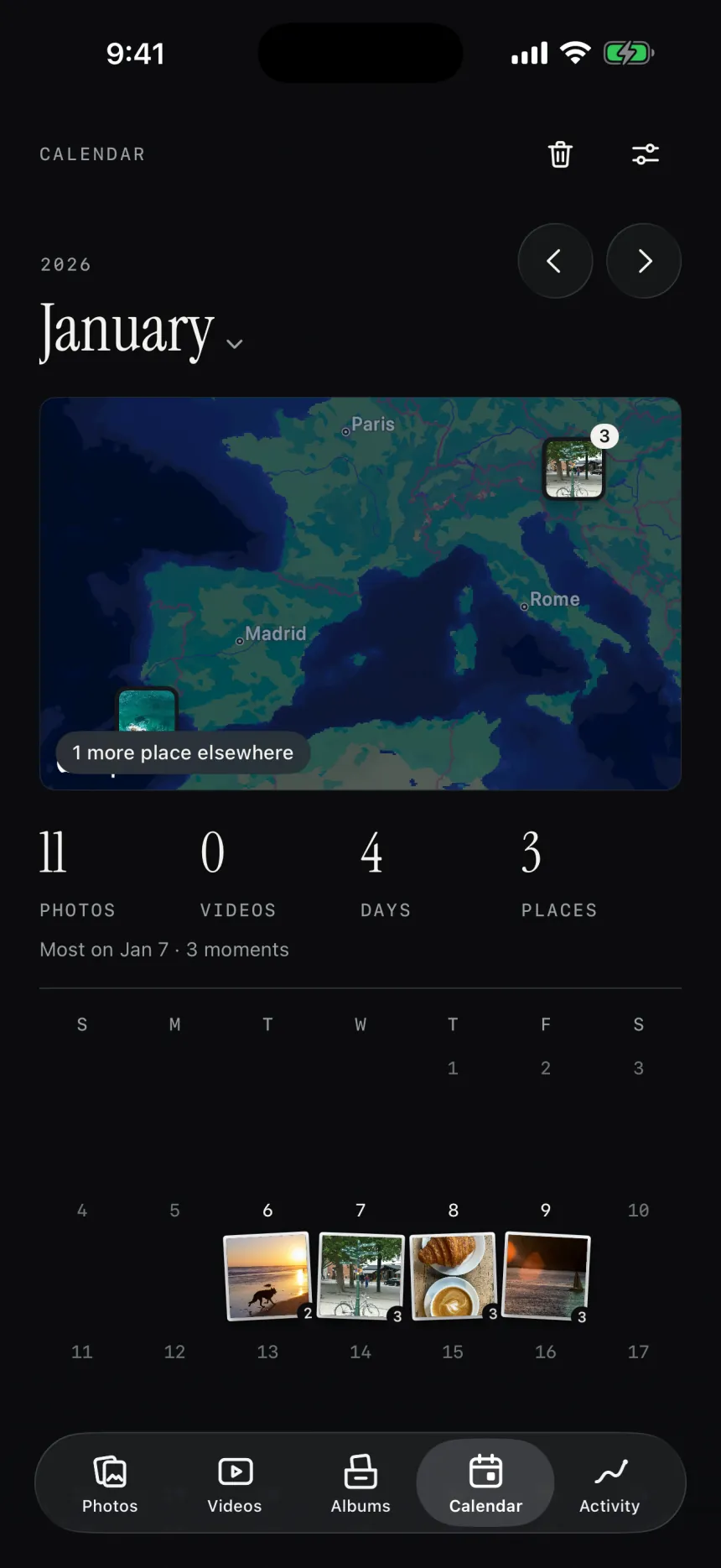
A calendar and a map of where you’ve been.
A print on every day you took a photo, and a map of where you were. Tap a day to see it again.
 flickeepfor iPhone · Free to try
flickeep brings your camera roll back one print at a time. Keep what matters, let the rest go. Nothing is deleted until you say so.
Want a note when it’s out? hello@flickeep.com
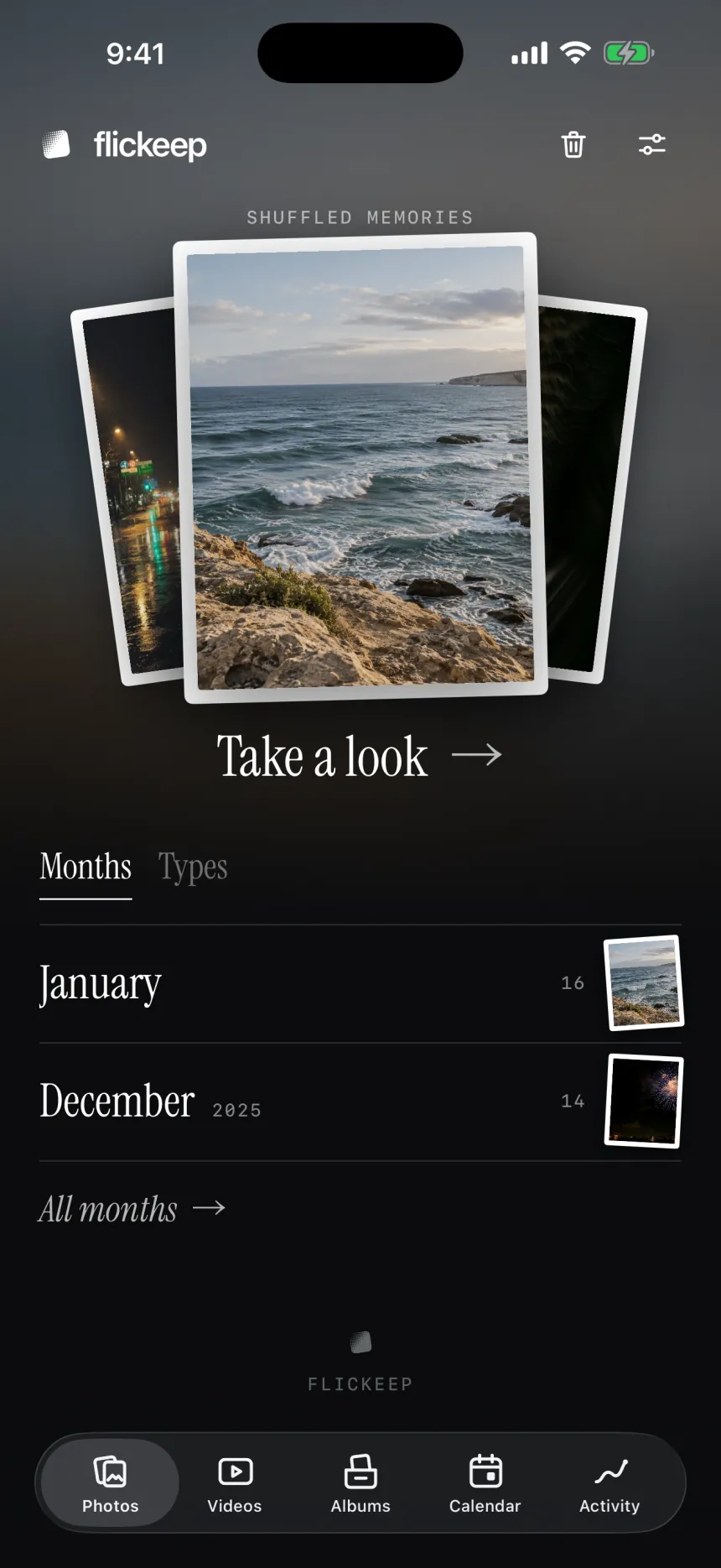
Shuffled memories
Try it: drag a print, or tap it
How it works
No grids to scroll through, no folders to plan. flickeep shuffles your library and hands you one photo at a time, like a stack of prints on the table.
Open flickeep and your memories are there, shuffled. Or pick a month, your screenshots, or an album.
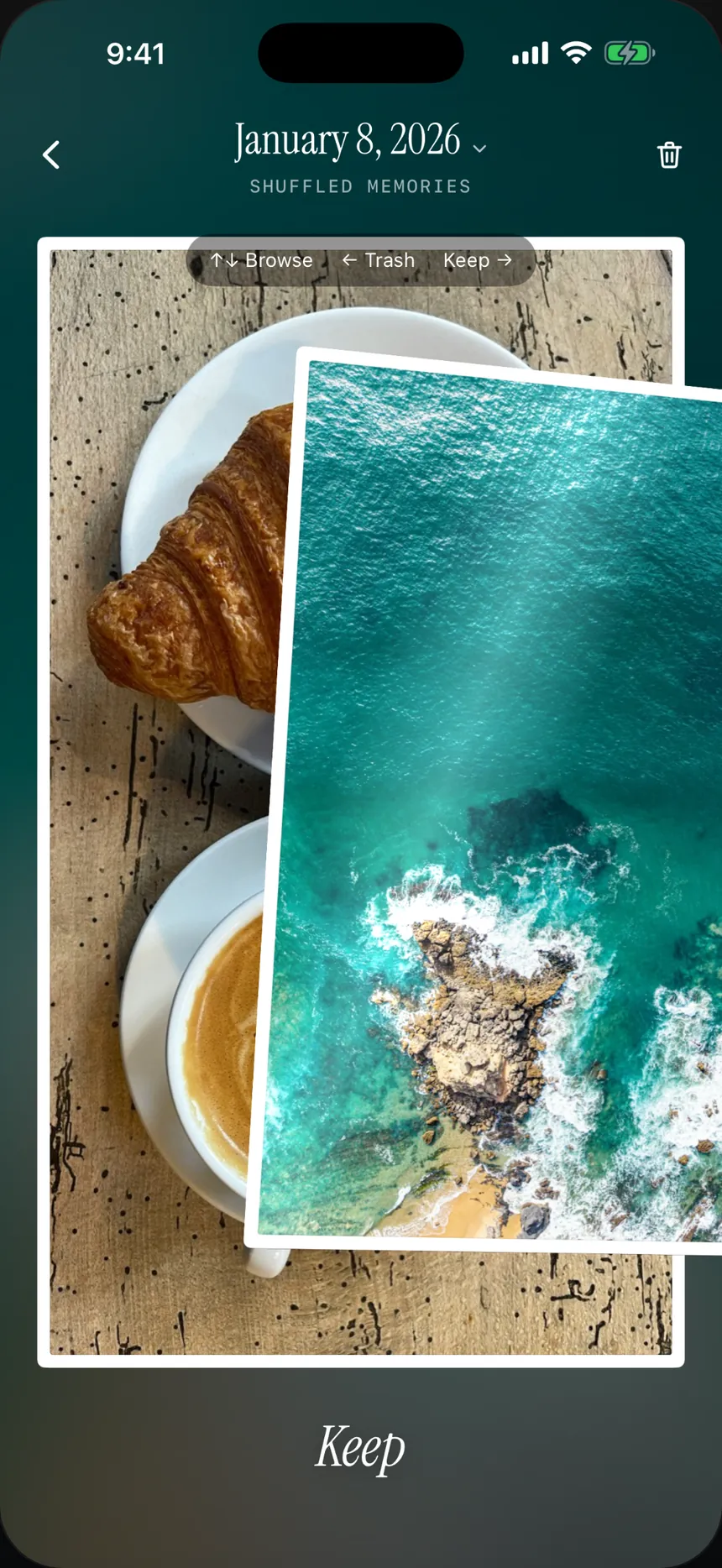
The prints you love stay right where they are. It’s as quick as it feels.
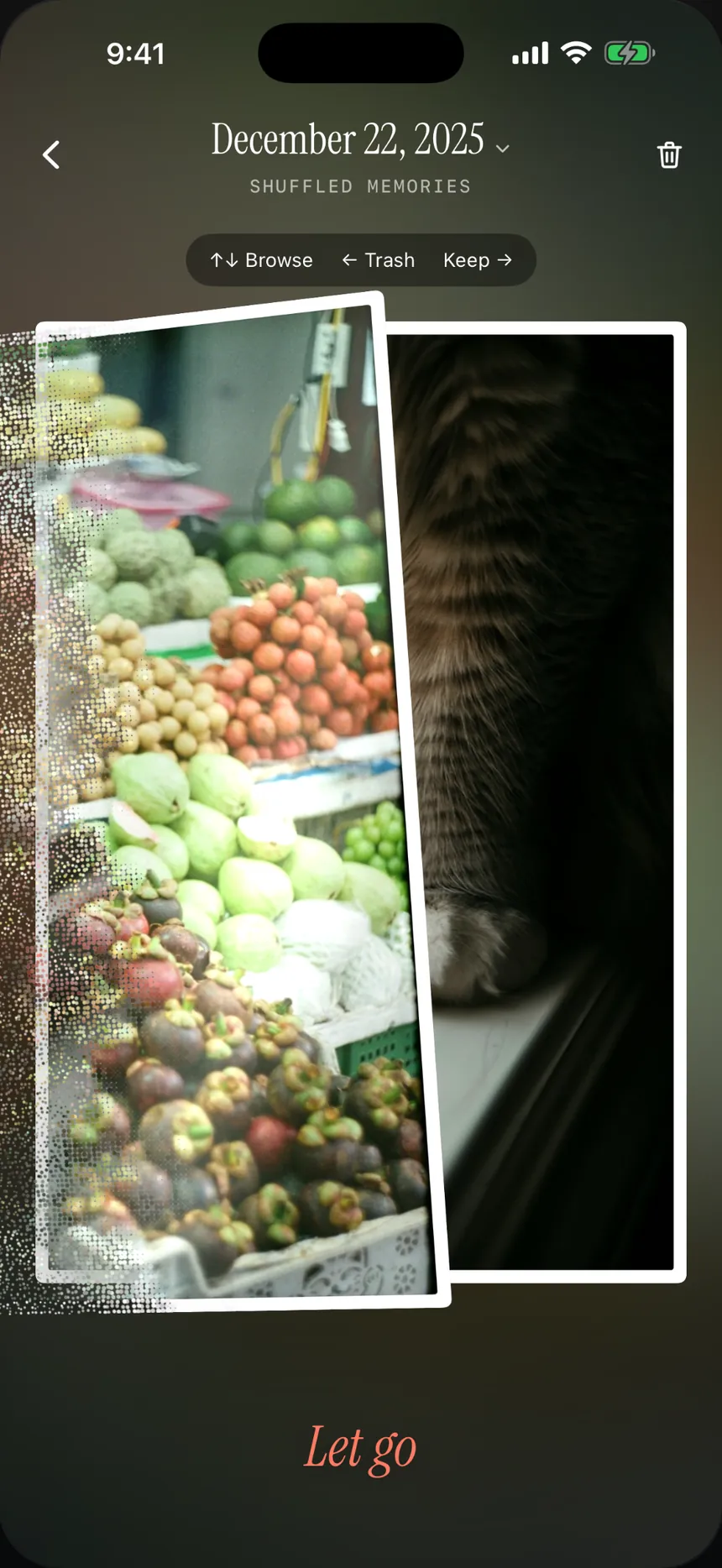
It comes apart into dots and waits in Trash. Nothing is deleted yet.
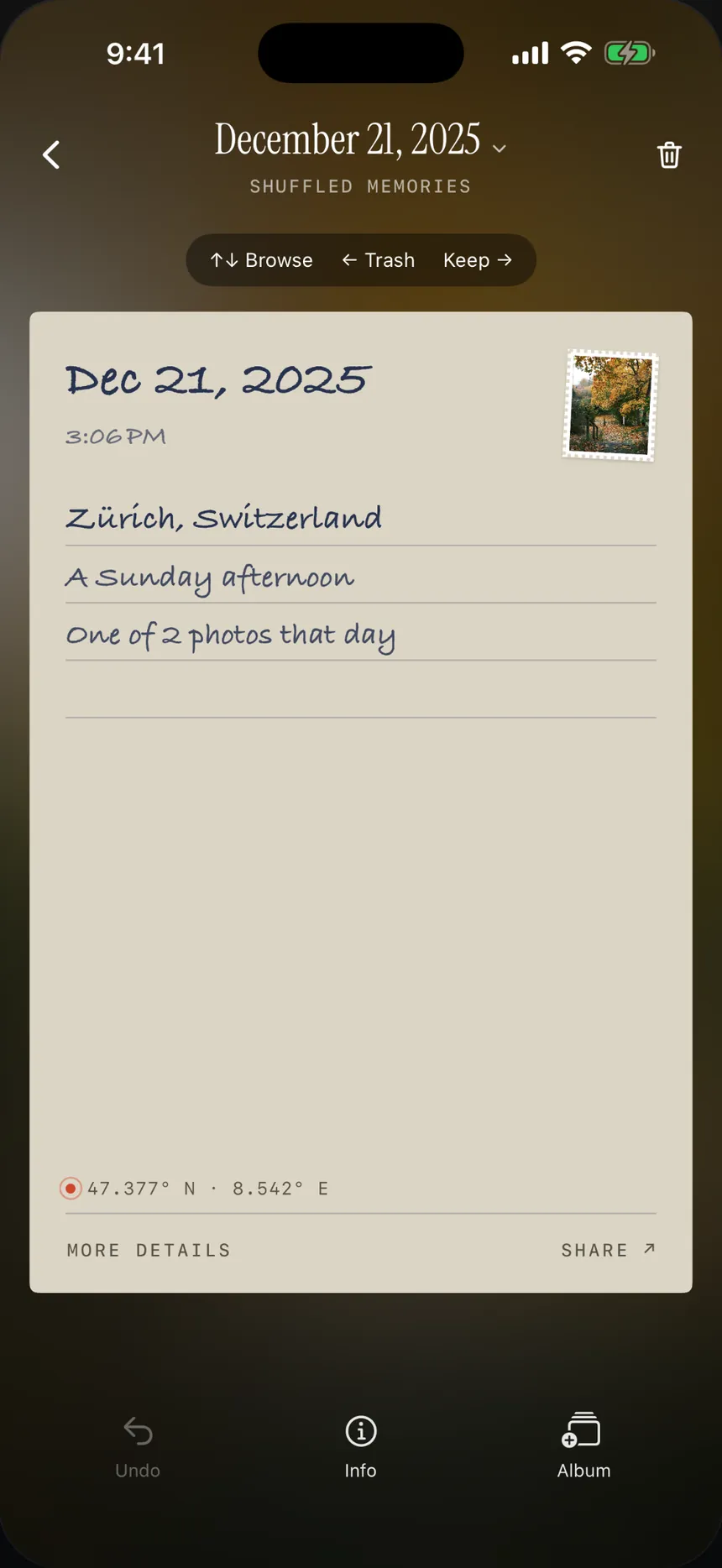
On the back: the day, the time of day and the place, written by hand. Share it from there, as a print.
Nothing by accident
Letting go isn’t deleting. Everything you swipe left waits in flickeep’s Trash, where you can look it over and put anything back.
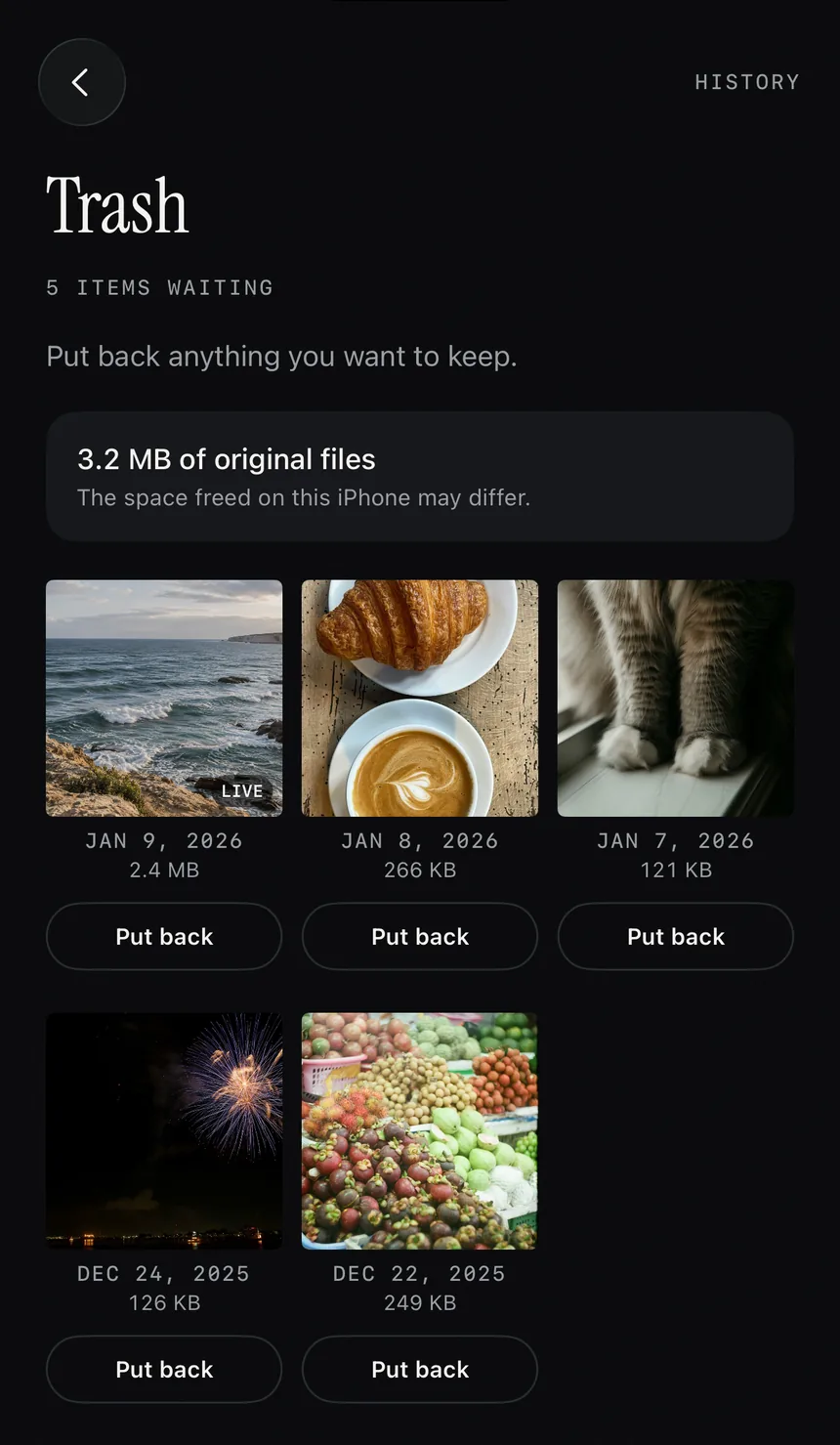
It waits in Trash. Nothing is deleted.
Put back anything you want to keep, whenever you like.
Delete when you’re ready, and your iPhone asks once more.
Deleted photos stay in Recently Deleted for about 30 days.
Look back
A print on every day you took a photo, and a map of where you were. Tap a day to see it again.
Send a photo as a print, front and back, with the place written by hand. Coordinates stay with you.
Up and down, full screen, with the sound on. A Trash button when one can go.
Private by design
flickeep reads your library on your iPhone and nowhere else. There’s no flickeep server to send it to.
In plain words
flickeep doesn’t collect anything from the app: not your photos, not what you keep, not how you use it.
Every detail is in the privacy policy.
Pricing
Free to try
flickeep Pro
Prices in US dollars; the App Store shows yours in your currency. Subscriptions renew until you cancel in your iPhone’s Settings.
No. It waits in flickeep’s Trash. You look it over and confirm, and then your iPhone asks once more. Deleted photos stay in Photos › Recently Deleted for about 30 days. Favorites can’t be sent to Trash.
Never. flickeep has no server and no account. Your library is read on your iPhone through Apple Photos. When you turn a print over, Apple’s map service is asked for the name of the place, using only the location, never the photo.
Yes. You choose whether flickeep may download photos from iCloud: on this iPhone only, over Wi-Fi, or over Wi-Fi and cellular. Deleting a photo, once you confirm, syncs to your other devices like it does in Photos.
flickeep is free to try: sort 20 photos and watch 10 videos. Looking back, albums, the calendar, sharing, Trash and deleting stay free. flickeep Pro removes the limit, and has no ads either.
Deleting photos can free space. Trash shows the size of the original files; the space your iPhone gets back can be different, especially with iCloud Photos.
Cancel in your iPhone’s Settings › your name › Subscriptions. Deleting the app doesn’t cancel a subscription. On a new iPhone, open Settings in flickeep and tap Restore purchases.
Any iPhone with iOS 18 or later.
Free to try on iPhone. A few minutes a day, one print at a time.
Want a note when it’s out? hello@flickeep.com


